
Presto
Every video on the web, at your speed.
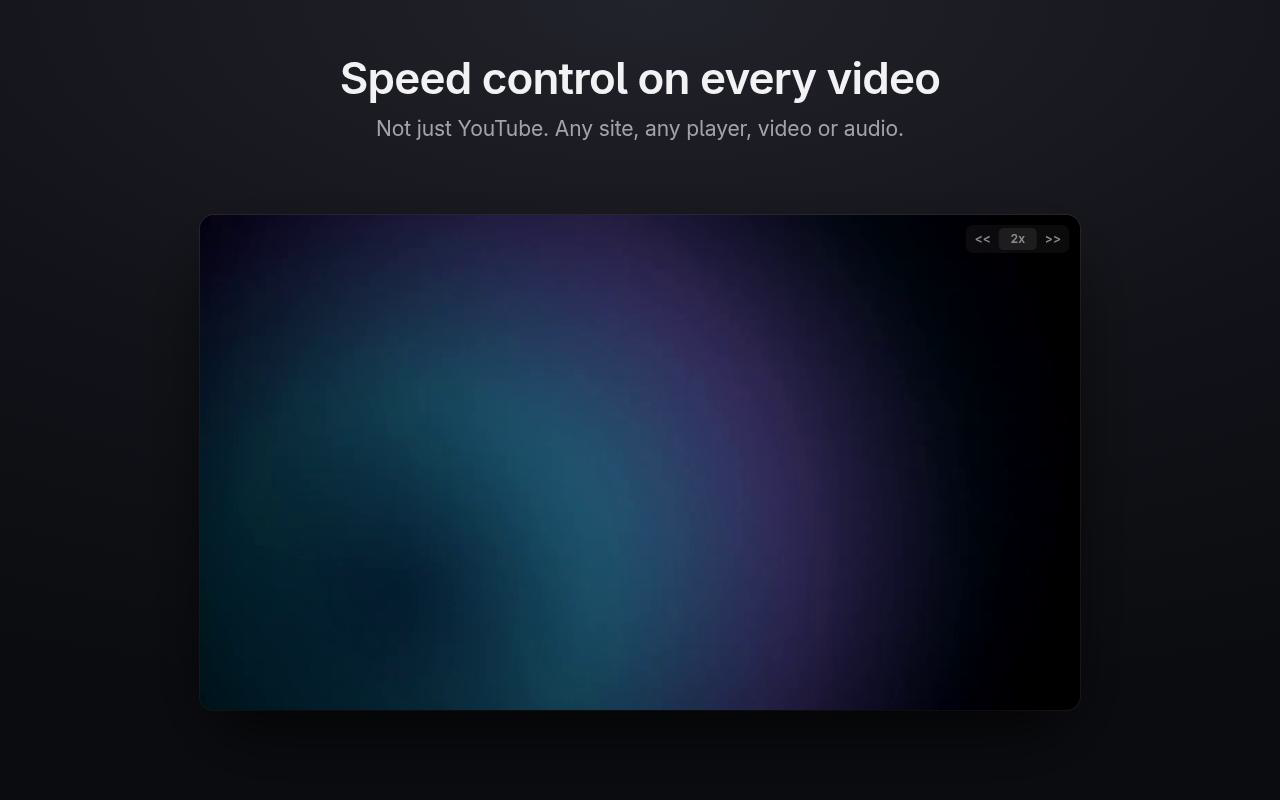
Presto puts a small speed control on every video and audio element, on any site, not just YouTube. It reaches into embedded players, keeps your speed through ad breaks and quality switches, and remembers it for the next video you open.
0.25–16x
speed range
4
rebindable shortcuts
0
bytes of data collected
Why Presto
Works where others give up
Any site, any <video> or <audio>, including players inside iframes and shadow DOM.
Holds your speed
Streaming players quietly reset the rate on ads, quality changes and new videos. Presto notices and puts it back, and the speed you picked carries over to the next video you open.
Keyboard first
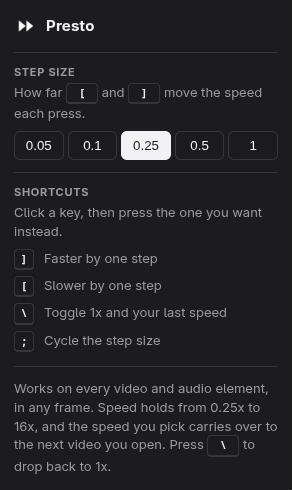
] faster, [ slower, \ to toggle 1x, ; to change the step — and any of them can be rebound to a key you would rather use. It claims its keys before the page does and stays quiet while you type.
Out of your way
The control fades when you're not pointing at it. Click the speed to jump to 1x, and again to go back.
Nothing to worry about
No analytics and no network requests. Its one permission is storage, holding three things: your step size, the speed you last chose and your key bindings.
Tiny and open
A single dependency-free script, nothing bundled or minified, MIT licensed.
Your steps, your keys
Set how far each press moves the speed: 0.05, 0.1, 0.25, 0.5 or 1. Click any shortcut in the popup and press the key you want instead; pick one another action already uses and the two trade places rather than collide. Both choices follow your browser profile.
Try Presto
On a Chromium browser? Load it from source for now; the contribute guide shows how.
Presto is free and open source. If it saves you time, buy me a coffee.
- 1Install Presto from Firefox Add-ons (Firefox 142 or newer, on desktop or Android).
- 2Reload any tabs you already had open.
- 3Play a video and look for the control in the top-right corner.
Hit a bug?
Tell me what broke or what Presto is missing. No account needed — or open an issue on GitHub if you'd rather track it there.